How to Reset an Animal Crossing Island: What to Save First
If you want to reset an Animal Crossing island, pause before deleting anything. If you searched for how to reset animal crossing island, the short answer is to verify what will be lost before confirming deletion. This guide explains the full-reset consequences and which alternatives can preserve more of your work, including redesigning or using the newer Reset Service.
Quick answer: should you reset your Animal Crossing island?
To reset a New Horizons island completely, you must delete the island save data from the Nintendo Switch data-management settings. That is different from restarting the game, closing before the first save, moving buildings, or clearing a few decorated areas. Once the island save is deleted, the island representative, residents, island name, buildings, inventory, recipes, Bells, museum progress, and layout are not available on that save anymore.
Before you reset, decide whether the real problem is the fixed map, a crowded layout, or simply a change of theme. If the problem is planning, use the ACNH map layouts guide and the island planner template first. If the problem is unfinished paths, cliffs, or building placement, a redesign is usually less destructive.
The safest rule is simple: treat a full reset as permanent. Make screenshots, write down your new theme, move anything you can to a trusted helper's island, and check the current Nintendo save-data and island-backup options before you press the final delete command.
- You want a new island identity, not just a cleaner layout.
- You have saved the memories, design codes, screenshots, and items you care about.
- You accept that the old island cannot be restored like an ordinary planner draft.
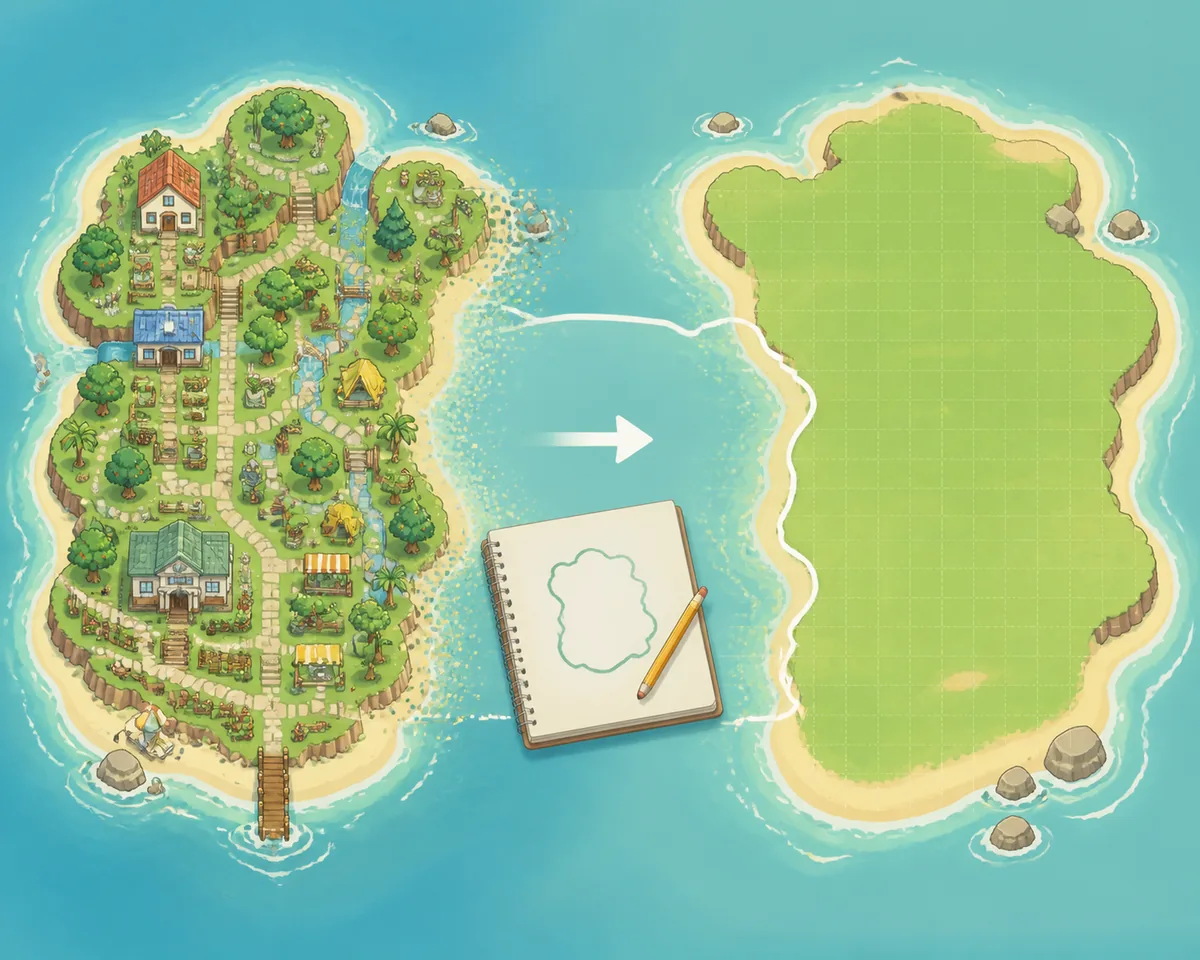
Choose the right kind of reset first
Many players search for how to reset an Animal Crossing island when they really want one of three different outcomes: start a completely new save, rebuild the current island, or clear a selected area while keeping the wider island. Naming the outcome first prevents an irreversible decision made for a problem that terraforming could solve.
A full island deletion is the only option in this guide that removes the old island save. The exact Switch menu wording can vary by system language, so follow Nintendo's current save-data instructions on the console rather than copying an old screenshot. Read the confirmation screen slowly and make sure you are deleting the New Horizons save data you intend to delete.
If you are playing a version that includes the 3.0 Reset Service, treat it as a separate redesign tool, not as a way to create a new island. Current update coverage describes it as a way to reset selected island areas while keeping the main save context. Check the in-game explanation and current update notes before using it, because it does not have the same result as deleting the island.
- Full island reset Use the Nintendo Switch data-management route when you truly want a new island save. This is the broadest and least reversible choice, so record your old map, island name, favorite residents, design codes, and valuable items first.
- Redesign without deleting Keep the save and use the Island Designer app, building moves, paths, cliffs, rivers, and a written build order. The <a href="/acnh-terraforming-guide/">ACNH terraforming guide</a> is the better match when the island identity is fine but the shape is not.
- Reset selected areas If the current version offers the 3.0 Reset Service, use its own preview and confirmation flow for targeted cleanup. Think of it as an area reset inside the existing island, not a replacement for a full save deletion.
- Prepare the next island Before you delete the old save, sketch fixed landmarks, the airport-to-plaza route, the first neighborhood, and your first building zones in the <a href="/#planner-tool">ACNH Island Planner</a>. A rough plan is enough; you can refine it after the new island loads.
- Confirm only after the checklist Pause on the final warning. Confirm the correct user profile, the correct game, your screenshots, item transfers, design codes, and the fact that another player cannot recover the old island for you after deletion.
What a full island reset removes
A reset is bigger than moving buildings. Use this inventory to separate information you can record from progress that must be earned again.
Island identity
The island name, island representative, resident list, starting layout, airport position, river mouths, beaches, pier, secret beach, rocks, and other map context belong to the old save.
- Best for
- Players who want a genuinely different island story.
- Planning check
- Save a screenshot of the full map and fixed landmarks.
- Choose this if
- The old map is the main thing you are willing to lose.
Buildings and upgrades
Resident Services progress, shops, museum progress, houses, bridges, inclines, storage upgrades, and building positions are part of the island journey rather than a reusable design file.
- Best for
- A player who accepts repeating the early game.
- Planning check
- Mark the first building zones and daily walking routes.
- Choose this if
- You want to experience the unlock path again.
Inventory and collections
Bells, pockets, storage, DIY recipes, catalog progress, fossils, art, fish, bugs, plants, materials, and seasonal items should be treated as lost unless you have safely transferred or recorded them.
- Best for
- A clean start with a deliberate short list of carry-over items.
- Planning check
- Make a transfer list and a separate list of items to recollect.
- Choose this if
- You have time to rebuild collections instead of keeping everything.
Design work
Island screenshots, custom designs, QR references, paths, room layouts, and theme notes are not the same as save data. Export or photograph the work you want to remember before you reset.
- Best for
- Creators who want the new island to keep a visual direction.
- Planning check
- Save a folder of images and a simple color or theme board.
- Choose this if
- The ideas matter more than the old terrain.
Resident relationships
Favorite villagers, house yards, friendships, reactions, and daily routines will not be waiting on the new save. Write down names and use screenshots if the social story matters to you.
- Best for
- Players who are intentionally changing the cast and neighborhood plan.
- Planning check
- Sketch a new neighborhood with yard spacing and shared areas.
- Choose this if
- You are ready to make a different community layout.
Things you can preserve as references
Your planning notes, screenshots, design-code list, theme ideas, map comparisons, and a copy of this checklist can survive outside the save. They are references, not a restore point.
- Best for
- Any player who wants a calmer restart.
- Planning check
- Keep the plan in a folder you can open while playing.
- Choose this if
- You understand that a reference cannot recreate every unlock.
Full reset vs redesign: a practical decision table
Use the full reset path when the island's identity, early choices, or fixed-map combination is the problem and you are willing to replay the progression. Use a redesign when the save still contains work, residents, collections, or memories that you would regret losing.
If you are unsure, build a small test area first. The planner can show whether a new entrance, neighborhood, farm, museum approach, or river route fixes the problem. The island planning guide can then turn that test into phases instead of a one-day demolition project.
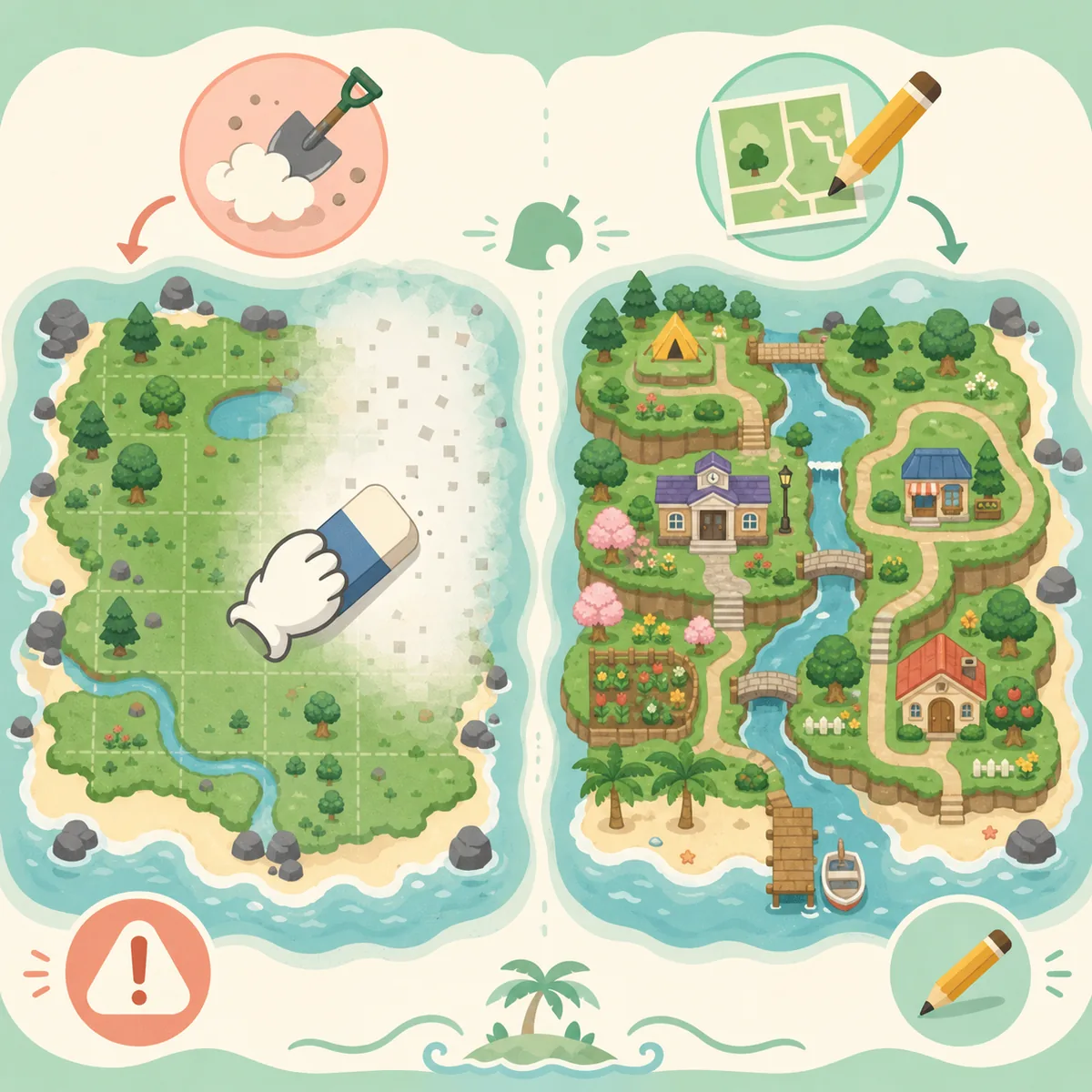
| Option | What changes | Best choice when |
|---|---|---|
| Full island reset | The old island save and its progress are deleted. | You want a new island identity and accept replaying the game. |
| Redesign in the current save | Buildings, paths, cliffs, rivers, furniture, and zones change while the save remains. | The map or theme is the problem, but your collections and residents still matter. |
| 3.0 Reset Service | Selected areas may be cleared through the current in-game service while the main island context remains. | You want targeted cleanup and the current game version provides that option. |
| Planner-only test | Nothing in the game save changes; you compare layouts in a visual draft. | You are still deciding whether a reset is necessary. |
Who should reset, and who should wait?
A reset is emotional as well as technical. These profiles help you choose the least destructive next step.
Reset now
You have a clear new concept, the fixed map is a deal-breaker, and you have already saved the memories and transfer list that matter.
- You want to replay early unlocks.
- You are comfortable recollecting items.
- You will plan the new route before decorating.
Redesign first
The island still has residents, collections, or a theme you like, but the routes and zones are messy. Test a smaller area before deleting everything.
- Move one district at a time.
- Use the planner template for phases.
- Keep a before screenshot so progress feels visible.
Wait and compare
You are deciding because of one bad airport, river, or Resident Services position. Compare maps and make a mock layout before treating the whole save as the problem.
- Read the map-layout guide.
- Try a planner draft for one week.
- Ask whether a new save is worth replaying.
What to save before you reset your island
The most useful pre-reset work is boring and specific. Do it while the old island is still open, not from memory after the delete confirmation. Take wide screenshots, then zoom into the areas you may want to recreate: entrance, Resident Services, neighborhood, farm, beach, museum, campsite, rock garden, and favorite rooms.
For items and Bells, use a trusted friend or second island only when you understand the transfer limits and can collect everything again. Do not treat Nintendo's island backup feature as a time machine for every mistake; it is a separate service with its own requirements and restore process.
Map and theme record
Save the island map, fixed landmarks, airport color, river-mouth positions, pier side, secret beach, favorite viewpoints, and a one-sentence theme. Put the theme at the top of the new planning note.
- Full island screenshot
- Close-ups of key zones
- Theme and color notes
Design and code record
Photograph custom paths, sign designs, QR references, favorite room layouts, and creator codes. If a design is essential, record its creator and name so you can search for it again.
- Custom path screenshots
- Creator codes
- Room and yard references
Transfer list
Make a short list of tools, rare materials, Bells, seasonal items, favorite clothing, and items you would be upset to recollect. Mark what is transferred, what is photographed, and what is intentionally left behind.
- Prioritize irreplaceable memories
- Use a trusted helper
- Keep a transfer checklist
New-island plan
Sketch the first few days rather than a perfect final island. Pick the name style, airport-to-plaza route, first building zone, future neighborhood, and one small area you can finish early.
- Choose fixed-landmark priorities
- Reserve open space
- Start with a buildable first phase
Animal Crossing island reset checklist
Run this list twice: once before the save-data deletion and once after the new island starts. It turns a stressful reset into a sequence of small decisions.
Before deleting the old island
- Take a full map screenshot and close-ups of favorite areas.
- Write down the island name, theme, airport color, river mouths, pier, and secret beach.
- Save custom design and QR references, creator codes, rooms, paths, and favorite villager names.
- Transfer or record Bells, rare items, tools, materials, seasonal items, and DIY recipes you care about.
- Read the final Nintendo warning and confirm the correct user profile and save data.
During the first new-island session
- Compare the starting maps against your fixed-landmark priorities.
- Choose the island name only after checking spelling and the identity you want.
- Mark airport-to-plaza space and the first safe building zone.
- Save the new map in the planner before placing too many permanent-looking areas.
- Build one small, satisfying zone before expanding the entire island plan.
Common mistakes when restarting an ACNH island
Most reset regrets come from confusing a layout problem with a save-data problem.
- Deleting before taking screenshots. A memory is easier to keep when you have a full map, favorite viewpoints, and close-ups of the small details that made the island yours.
- Assuming the planner restores progress. A planner can preserve a layout idea, but it cannot restore villagers, museum donations, recipes, catalog entries, or unlocks.
- Using reset when terraforming would solve it. If the map is usable and your issue is a river, cliff, path, or building district, start with the terraforming guide and a smaller test zone.
- Ignoring the island representative. The first resident profile carries the island representative role. Check which user will create the new island before beginning the setup.
- Treating 3.0 Reset Service as a full reset. A targeted area-clearing service and a deleted island save are different actions. Read the in-game description and update notes before confirming either one.
Sources and useful planning pages
Menu wording and update features can change. Use the official support pages for the current console instructions, then use the planning pages below to rebuild with fewer surprises.
- Nintendo Support: Save Data Management - Check the current Nintendo Switch save-data and island-backup guidance before deleting a New Horizons save.
- LifeWire: Restart Animal Crossing New Horizons - A practical overview of restarting and the warning that a full island reset is destructive.
- The Verge: Animal Crossing 3.0 update - Background for the newer Reset Service alternative; confirm availability in your current game version.
- ACNH Map Layouts - Compare fixed map features before deciding whether the old map itself is the reason to start over.
- ACNH Island Planner Template - Use a copyable checklist for the new island's landmarks, zones, routes, and build order.
- ACNH Island Planning Guide - Turn the first-day map into a phased build rather than trying to finish the whole island at once.
FAQ: resetting and restarting an Animal Crossing island
How do I reset an Animal Crossing island completely?
Use the Nintendo Switch save-data management instructions for Animal Crossing: New Horizons and delete the island's save data only after checking the final warning. Menu wording can vary by system language and game version, so follow the current Nintendo support flow rather than an old screenshot.
What happens when you reset your Animal Crossing island?
The old island save and its progression are no longer available on that save. Treat the island name, residents, buildings, inventory, Bells, recipes, museum progress, and layout as lost unless you deliberately recorded or transferred something before deletion.
Can I restart Animal Crossing without deleting my island?
You can close the game before an initial save in a brand-new setup, but an established island is not reset by simply restarting the application. For an existing island, redesign with the Island Designer tools or use an available current-version Reset Service when targeted cleanup is enough.
How do I reset an ACNH island but keep my items?
There is no ordinary planner-style reset that keeps every item and unlock on a deleted island. Before deleting, move eligible items and Bells to a trusted helper or another safe destination when possible, and keep screenshots and lists for everything else.
Should I restart for a better island map?
Only if the fixed airport, Resident Services position, river mouths, pier, beaches, or available building space block the island identity you want. Read the <a href="/acnh-map-layouts/">ACNH map layouts guide</a> and compare a few plans before sacrificing an established save.
What is the 3.0 Reset Service?
It is a separate current-version feature described in 3.0 update coverage for clearing selected island areas while keeping the broader island context. It is not the same as deleting the island save. Read the in-game explanation and current update notes before using it.
Is an island backup the same as undoing a reset?
No. Island backup and restore have their own Nintendo requirements and recovery flow; they should not be treated as a normal version history for every island decision. Check the current official support instructions before relying on the service.
What should I plan first after restarting an island?
Start with fixed landmarks and daily routes: airport, Resident Services, river mouths, pier, secret beach, rocks, first building area, and the space between the airport and plaza. Then use the <a href="/acnh-island-planning-guide/">island planning guide</a> and planner to phase the rest.
Test the redesign before you delete
Open the free ACNH Island Planner, sketch a safer version of your current map, and compare it with the new-island idea before making an irreversible save-data decision.
Open the Island Planner