Happy Island Designer Alternative: Safety and ACNH Tools
Happy Island Designer remains a familiar ACNH map-planning tool, but it is not the only way to prepare an Animal Crossing: New Horizons island. This guide compares it with a browser-based ACNH Island Planner, 3D planners, checklists, and the in-game Island Designer App so you can choose a safer workflow before moving buildings or terraforming.
Quick Answer: What Is the Best Happy Island Designer Alternative?
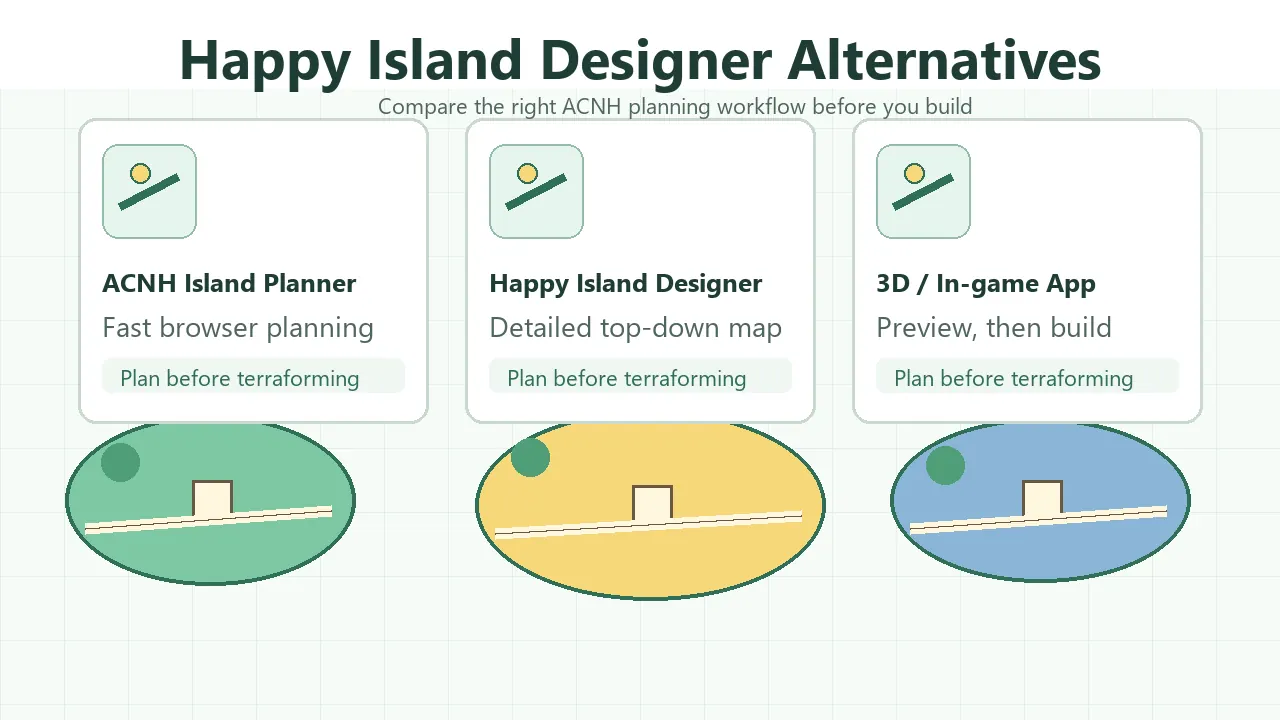
Use Happy Island Designer when you want a familiar top-down island map editor and already know the kind of layout you are sketching. Use ACNH Island Planner when you want a fast browser workflow with planning notes, layout checks, and a lower-friction way to test zones before committing in-game.
There is no single best planner for every player. The right choice depends on whether you need a quick island outline, a detailed map rebuild, a 3D walking preview, or a structured worksheet for buildings, bridges, inclines, and daily routes.
- Use a browser planner for rough zones, airport-to-plaza flow, and building placement.
- Use Happy Island Designer or another map maker for detailed top-down terrain experiments.
- Use a 3D planner only after the large map decisions are stable.
- Use the in-game Island Designer App last, because mistakes cost time and Bells.
How to Choose an ACNH Island Planning Tool
Searches for happy island designer alternative usually come from players who like the original tool but want a faster, clearer, or more guided way to plan. Some want a tool that works better on mobile. Others need a planner that starts from gameplay decisions instead of a blank map canvas.
Before choosing a tool, decide what problem you are solving. A map editor is useful for terrain shape. A planning guide is better for deciding order, constraints, and tradeoffs. A 3D preview can help with atmosphere, but it can also slow you down if the basic route and building layout are not settled.
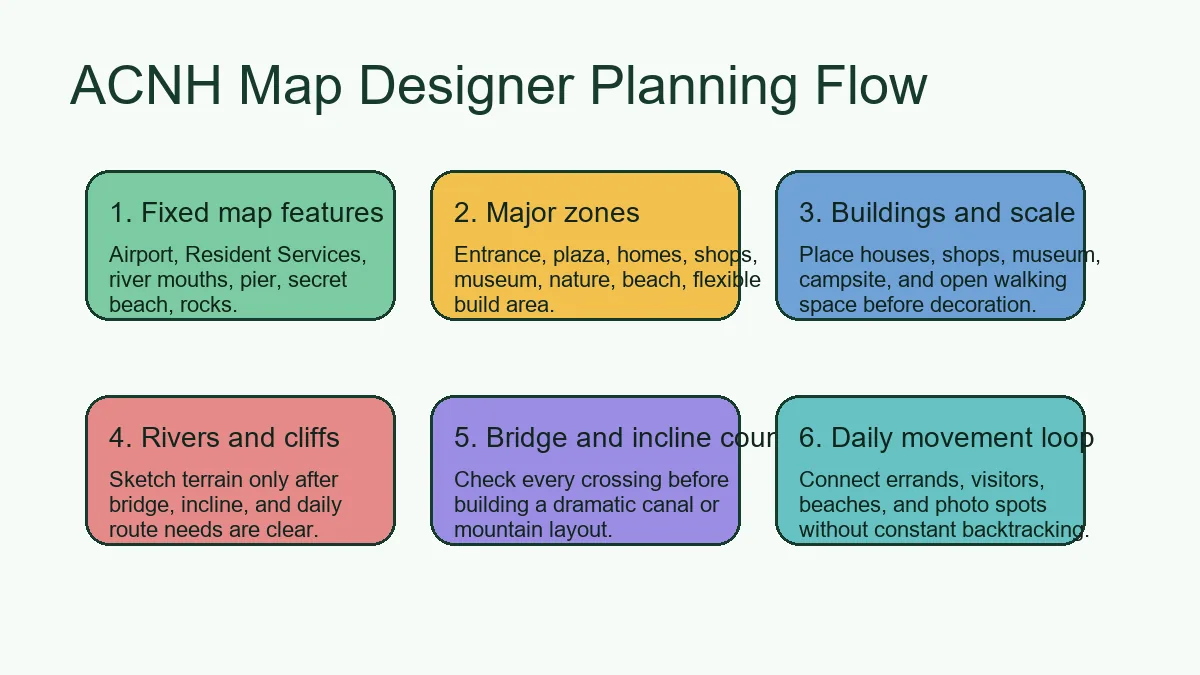
- Start with fixed features. Airport, Resident Services, river mouths, pier, secret beach, and rocks should be treated as constraints, not decoration.
- Choose the planning depth. A quick redesign needs zones and paths; a full rebuild needs building footprints, water, cliffs, bridges, inclines, and a build order.
- Pick the fastest useful view. Top-down is best for structure, 3D is best for atmosphere, and the in-game app is best for final execution.
- Save more than one version. Keep a safe plan, an ambitious plan, and a fallback plan so you do not restart from nothing.
- Test movement before decoration. A beautiful island plan fails if visitors cannot understand where to walk.
5 Happy Island Designer Alternatives and When to Use Each
These options are not ranked as one-size-fits-all replacements. Each solves a different part of the ACNH island planning process, from early layout thinking to final terraforming.
ACNH Island Planner
A fast browser-first planner for players who want to sketch zones, compare layout ideas, and move from planning to action without setting up a heavy editor.
- Best for
- Players who want a practical Happy Island Designer alternative for early planning, layout checks, and quick browser access.
- Build note
- Best when you are deciding what should go where before drawing every exact river curve.
Happy Island Designer
A familiar top-down map maker for players who want to recreate or test detailed Animal Crossing island layouts.
- Best for
- Players who already enjoy visual map editing and want granular top-down terrain planning.
- Build note
- Use it as a design sandbox, then verify movement, bridges, and inclines before building in-game.
3D Island Planner
A 3D planner can make a proposed island feel more real, especially when height, sightlines, and dense decorative scenes matter.
- Best for
- Players refining a mature island concept after the main zones and walking routes are already stable.
- Build note
- Do not start with 3D if you have not solved basic building placement and daily routes.
Spreadsheet or Checklist Planner
A worksheet is not visually exciting, but it is excellent for budget, bridge count, incline count, building moves, and build order.
- Best for
- Players preparing a large redesign who need to avoid repeated house moves and unfinished terrain passes.
- Build note
- Pair it with a visual planner so the schedule and the map agree.
In-Game Island Designer App
The in-game app is where the final island is built, not where every risky idea should be tested first.
- Best for
- Final paths, rivers, cliffs, cleanups, and confirming that the plan feels good while walking.
- Build note
- Use online planners first so you spend less time undoing expensive changes.
Recommended Workflow: From Alternative Tool to In-Game Build
The safest workflow is layered. First, use a light planner to decide the map structure. Next, use a detailed map maker only for the parts where precision matters. Finally, build the confirmed version with the in-game Island Designer App.
If you are comparing Happy Island Designer with this ACNH Island Planner, treat them as complementary rather than mutually exclusive. One can be your map sketching space; the other can be your planning hub for constraints, checklists, and build order.
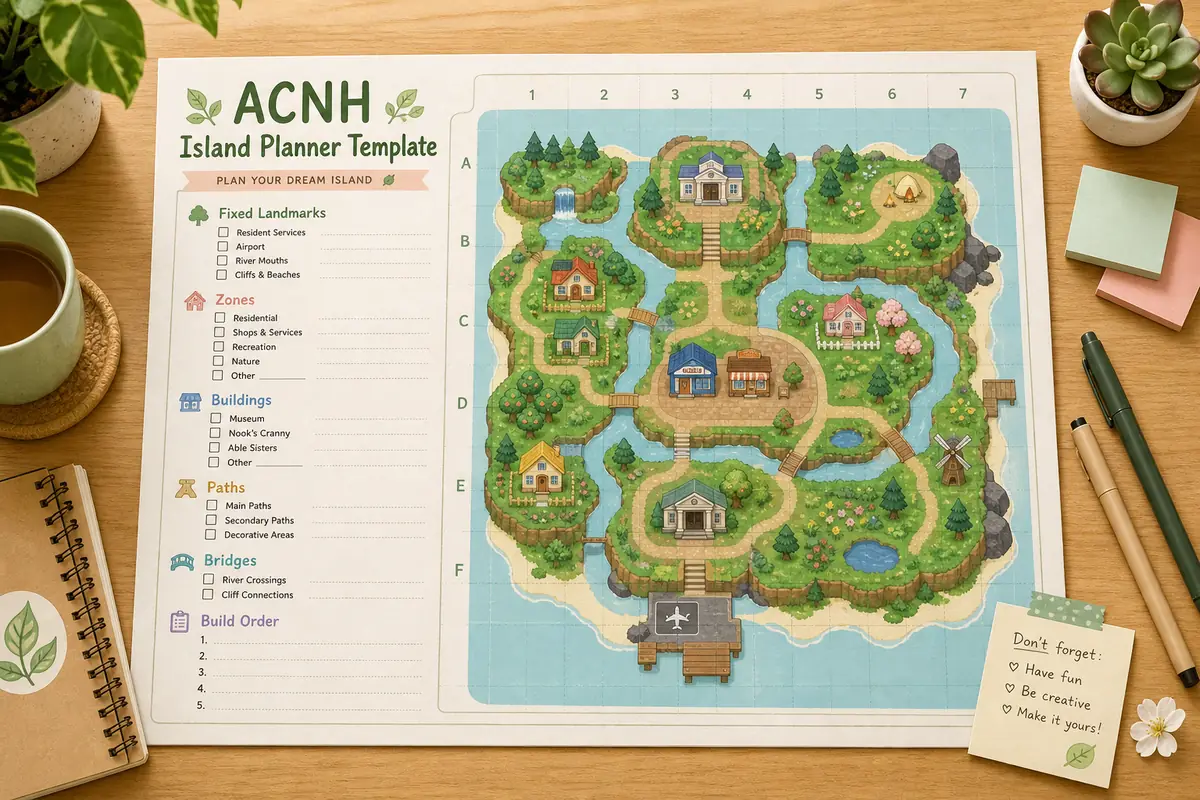
For deeper planning, combine this page with the ACNH Map Designer Guide, layout ideas, and planner template.
| Stage | Best tool | Decision to make |
|---|---|---|
| Early idea | ACNH Island Planner or worksheet | Theme, main zones, airport route, Resident Services connection. |
| Detailed map | Happy Island Designer or map maker | Building footprints, water, cliffs, bridges, inclines, and paths. |
| Visual refinement | 3D planner or screenshots | Sightlines, dense scenes, verticality, and photo spots. |
| Final build | In-game Island Designer App | Terraforming, paths, cleanup, and one-zone-at-a-time execution. |
Checklist Before Switching Planners
Changing tools can help, but switching too early can also scatter your decisions. Use this checklist before abandoning one planner for another.
Keep from the old plan
- Fixed landmarks are marked and still accurate.
- Main zones have names, not just shapes.
- Buildings have enough room for paths and yards.
- Bridge and incline counts are realistic.
- The airport-to-plaza route is easy to understand.
Verify in the new tool
- The new planner supports the level of detail you need.
- Mobile or desktop controls are comfortable enough for long edits.
- Exports, screenshots, or saved versions are easy to keep.
- The tool helps you make decisions instead of only decorating.
- The final plan can be translated into the in-game Island Designer App.
Common Mistakes When Looking for a Happy Island Designer Alternative
Most planning problems are workflow problems, not tool problems. A different planner helps only when it matches the decision you need to make.
- Replacing a detailed map problem with a theme problem. If your island feels stuck, check routes, building scale, and fixed landmarks before choosing a new aesthetic.
- Starting with decoration instead of structure. Furniture, flowers, and custom paths are easier after zones, buildings, rivers, and cliffs are stable.
- Using a 3D planner too early. A 3D view can make an unfinished concept feel polished while hiding weak movement or wasted crossings.
- Ignoring what the in-game app can actually change. Online plans still need to respect unlocks, terrain tools, bridge limits, incline limits, and building move time.
Useful References
Use these references to separate third-party planning tools from official in-game terraforming features.
- Happy Island Designer GitHub - Project source and background for the well-known Happy Island Designer map tool.
- Animal Crossing Wiki: Island Designer - Community reference for the in-game Island Designer App and its terrain editing role.
- Nookipedia: Island Designer Construction Permit - Community reference for Island Designer terminology and unlock context.
- ACNH Map Designer Guide - Internal guide for fixed landmarks, routes, bridges, inclines, rivers, and cliffs.
- ACNH Terraforming Guide - Use this guide after choosing a planning tool, when you are ready to translate the map into terrain edits.
Happy Island Designer Alternative FAQ
Is Happy Island Designer still useful for ACNH planning?
Yes. It is still useful for top-down island map planning, especially when you want to sketch terrain and building placement before changing the real island.
What is the best Happy Island Designer alternative?
For quick browser planning, use ACNH Island Planner. For detailed map drawing, use Happy Island Designer or another map maker. For final terrain, use the in-game Island Designer App only after the plan is stable.
Should I use a 3D ACNH planner instead?
Use a 3D planner when you need to judge height, sightlines, or atmosphere. Use a top-down planner first for zones, buildings, rivers, cliffs, bridges, and daily routes.
Can an online planner replace the in-game Island Designer App?
No. Online planners help you test ideas safely. The in-game Island Designer App is still where final paths, rivers, cliffs, and cleanup happen.
Does this page duplicate the ACNH map designer guide?
No. This page compares planning tools and alternatives. The ACNH map designer guide explains the detailed planning workflow for a buildable island map.
Is Happy Island Designer a website or a download?
Players often use Happy Island Designer as a browser-based planning reference, while project files and background may also appear on GitHub. For normal ACNH planning, treat it as a map planning tool and keep your final build decisions in the game.
Try a Faster ACNH Planning Workflow
Start with the browser planner, compare your safest layout options, then move the confirmed plan into your real Animal Crossing island one zone at a time.
Open the Free ACNH Island Planner